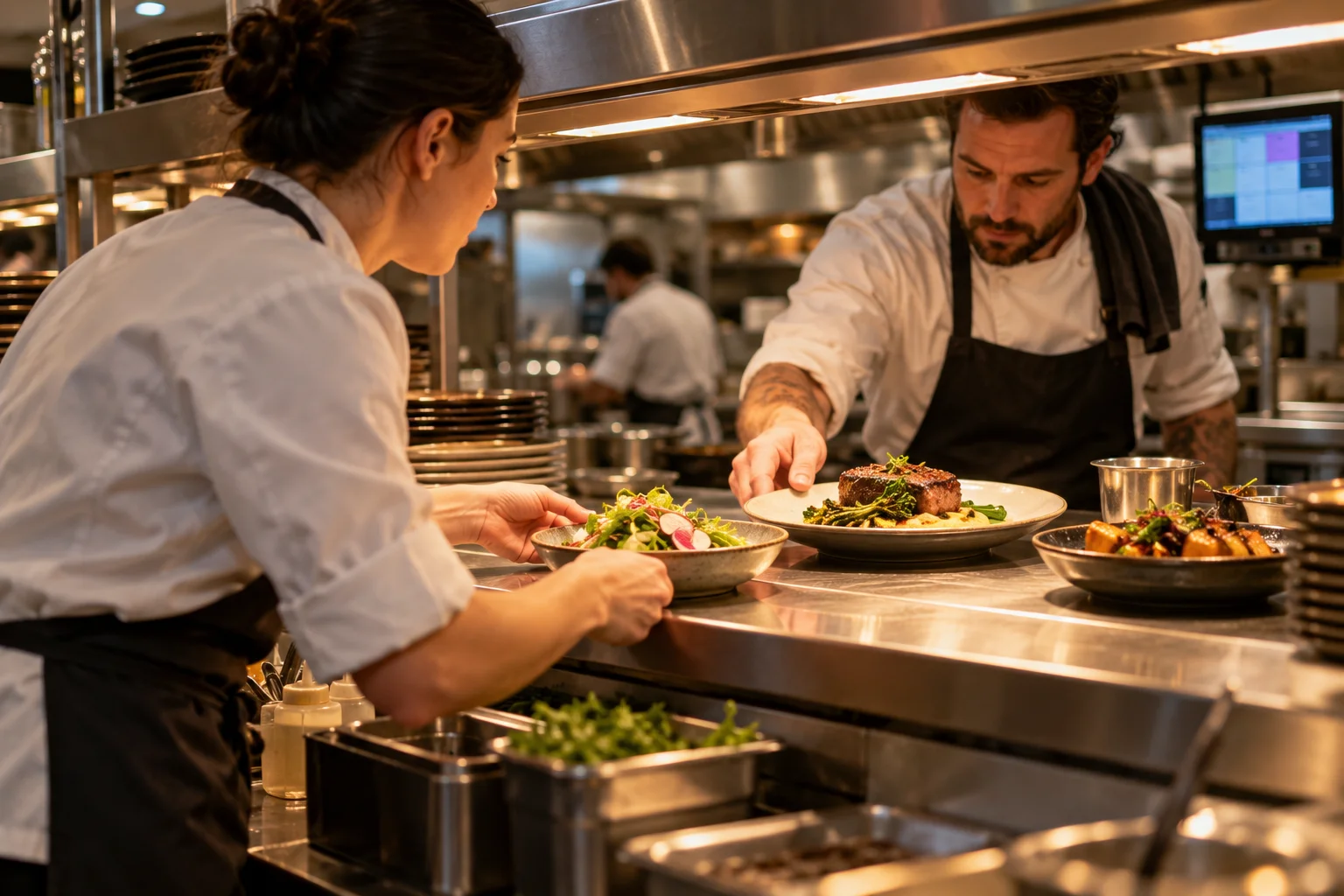
Three screens with different jobs
A self-service kiosk lets guests choose food and send the order themselves. A kitchen display shows the orders the kitchen needs to prepare. This type of system is also called a KDS. A collection screen shows guests the progress of their order or that the food is ready.
More kiosks can make ordering easier. They can also send more orders to a kitchen that is already overloaded. A collection screen may reduce questions at the counter. It does not make the food cook faster.
Ask the provider to show which messages the screens can send and receive in the solution you are considering.
Find out where waiting happens
Observe a few busy shifts. Note when the guest starts ordering and when payment is completed. Then note when the kitchen starts, when the food is ready and when it is collected. See where orders are held up.
- Before the order: Is the menu hard to understand? Does payment take time? Does the guest need help?
- In the kitchen: Do orders arrive from several places at once? Is one workstation or dish delaying the rest?
- At collection: Does the guest know the food is ready? Is a drink or packaging missing? Is it clear where to collect the food?
Try a busy shift in the demonstration
Use your own menu. Enter several orders at once from the POS system, kiosk and website. Try changing an extra, a sold-out item and a failed payment. Enter orders for collection later as well as food to prepare now.
- Check that only confirmed orders are sent on. They must reach the right place in the kitchen, and the guest must receive the correct message.
- Allocate hot dishes, cold dishes and drinks. Clarify who brings everything together before the entire order is marked ready.
- Change or cancel an order. See who receives the message. Also try it after the kitchen has started preparing the food.
- Mark the food as ready. Follow the message to the guest and check that the food is handed over. Also try an order that nobody collects.
Look at both typical and long waits
Measure the time the guest spends ordering, the time the kitchen takes and the wait after the food is ready. Look at the longest waits as well as the average.
You can also look at the median. Sort waiting times from shortest to longest. The median is the middle value. If there are two middle values, use their average. Also note errors, tasks that have to be repeated and questions about orders.
Compare shifts with roughly the same number of orders, the same menu and similar staffing. If the kitchen cannot keep up, clearer collection times may help. It may also make sense to accept fewer orders at once or divide the work differently.
Make a plan for outages
Test what happens when the internet, POS system or kitchen display stops working. Who takes orders, and where are they written down?
Agree on how to avoid preparing the same food twice when the system works again. Everyone needs to know what to do without the screen.
Want to hear more?
Choose a convenient time for a phone call with Petter.
Book a chat with PetterYou choose a time in Google Calendar.