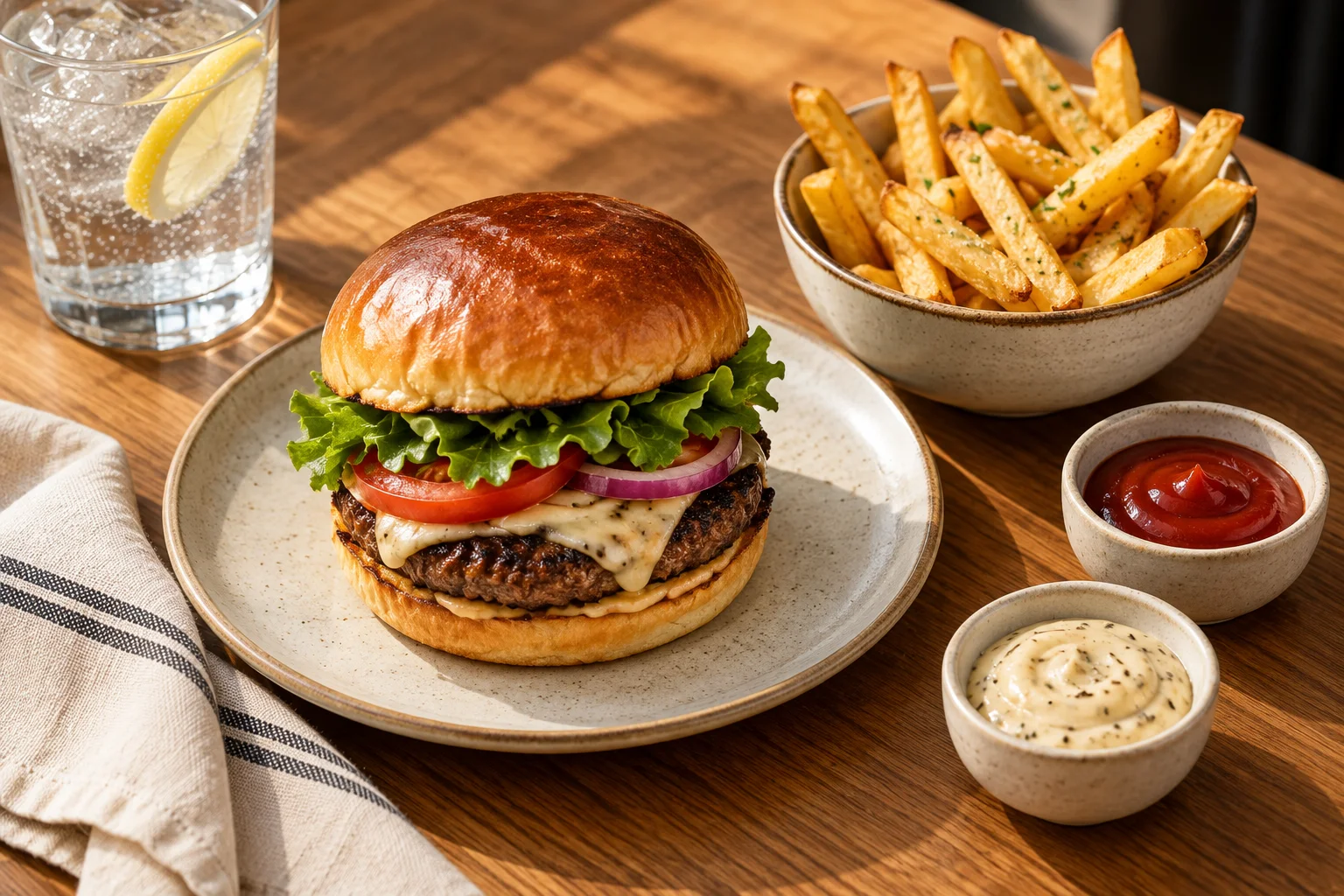
Offer something that suits the food
A dip with fries, a drink with lunch or another suitable extra can improve an order. Show what the add-on is and what it costs.
It must be easy for the guest to say no.
Start with one add-on. Avoid lots of suggestions that do not suit the dish.
Calculate what you keep
This is a hypothetical example. The figures do not come from a restaurant or provider.
All amounts exclude value added tax (VAT).
An add-on sells for NOK 20. Ingredients cost NOK 6.
Packaging costs NOK 1. Additional labour for the add-on costs NOK 2.
The payment or ordering-service fee increases by NOK 1.
Deduct these costs from the price: 20 − 6 − 1 − 2 − 1 = NOK 10. This leaves NOK 10 before fixed costs such as rent.
This is called contribution. It is not the same as profit.
Suppose the add-on is purchased in 30 out of 100 completed orders. Extra sales are 30 × 20 = NOK 600.
After the costs above, 30 × 10 = NOK 300 remains. Fixed costs have still not been deducted.
Also account for additional mistakes, food waste and delays. If the add-on requires more staff on shift, include that cost in the calculation.
Test the add-on all the way through to handover
Ask to test your own menu on the POS system, self-service kiosk or online ordering. Check the following before you start:
- The add-on suits the dish. The price is visible, and it is easy to decline.
- The add-on is displayed clearly and reaches the right place in the kitchen.
- Guests cannot buy dips or drinks that are sold out.
- Employees know who prepares the add-on. They also know how it goes with the rest of the order.
Track sales, costs and waiting times
Count how many completed orders contain the add-on. Divide this by the number of completed orders in which the guest could choose it.
This shows the share that purchased the add-on.
Also look at what is left after costs, both per order and in total. Include the same costs each time.
Track the time the kitchen takes, especially when it is busy.
Compare similar periods. Note price changes, promotions and items that were sold out.
Higher sales per order may reflect higher prices or different guests. The figure alone does not show that the add-on left more after costs.
Adjust what makes the shift harder
Ask kitchen staff and other employees whether the add-on causes confusion or delays. Change the wording, placement or way of working before adding more suggestions.
Keep add-ons that suit guests and leave more after costs. At the same time, check that the rest of the order reaches its destination as it should.
Want to hear more?
Choose a convenient time to talk with Petter.
Book a chat with PetterYou choose a time on HubSpot.